Printing tips
How to Print Christmas Printables at Home (Paper, Size, Settings)
Open the PDF in a PDF reader, choose the file that matches your paper (US Letter or A4), set the scale to Actual size (100%) and print one test page first. Use plain paper for coloring and cardstock for cards and games. Here is the process step by step, with fixes for common problems.
For general printing advice, see also our guide to printing kids printables at home. This one focuses on Christmas projects such as advent cards, games and paper chains.
Step by step
- Download and open the PDF. Use a PDF reader rather than a web browser tab.
- Choose the right size. Letter file for Letter paper, A4 file for A4 paper.
- Set scale to Actual size or 100%. Not “Fit to page.”
- Pick the paper type in the printer settings if available, such as plain or matte cardstock.
- Print one page first. Check the edges, colors and any pieces you will cut.
- Print the rest. Only what you need this week.
US Letter vs A4
| US Letter | A4 | |
|---|---|---|
| Size | 8.5 x 11 in | 210 x 297 mm |
| Where it is common | US, Canada | Most other countries |
| Difference | Shorter and wider | Taller and narrower |
If you print the wrong size, the edges can be cut off or you may get uneven borders. Most sets include both, so use the one that matches your paper.
Choose paper by activity
| Activity | Paper | Why |
|---|---|---|
| Coloring pages | Plain copy paper (about 75–90 gsm) | Cheap and easy to replace |
| Markers or paint | Heavier paper (about 120 gsm or more) | Less bleed-through |
| Worksheets and mazes | Plain copy paper | Used once |
| Advent cards and ornaments | Cardstock | Stands up to handling |
| Bingo boards, game cards | Cardstock | Lasts for many rounds |
| Paper chain strips | Plain or light cardstock | Easy to fold and glue |
| Letters and certificates | Matte or light cardstock | Looks nice |
Check what weight your printer accepts. Many home printers handle thicker paper only through a rear tray.
Save ink
- Use Draft or Economy mode for practice pages.
- Choose black and white versions when available.
- Print only the pages you need.
- Print double-sided on plain pages that kids won’t color on the back.
Troubleshooting
| Problem | Likely cause | Fix |
|---|---|---|
| Edges cut off | Wrong paper size or scaling | Match paper size, use Actual size |
| Colors look dull | Draft mode or low ink | Switch to Standard or Best, check ink |
| Streaks or lines | Dirty print heads | Run the cleaning cycle |
| Paper jams on cardstock | Too thick for the tray | Use the rear tray or lighter stock |
| Pieces don’t line up | Page was scaled | Reprint at 100% |
| Ink smudges | Wrong paper setting | Pick the paper type and let it dry |
After printing
- Cut along the lines with scissors or a paper trimmer. Adults should handle craft knives.
- Laminate cards you plan to reuse, or slide them into clear sleeves.
- Store in envelopes labeled with the day or activity.
Sets such as our Advent Activity Cards are designed to be printed on cardstock, cut and hidden in envelopes or bags. If you want to spread out the printing, print a week of cards at a time.
Printables that go with this post
These are from my shop on Etsy, where you see the price in your local currency.
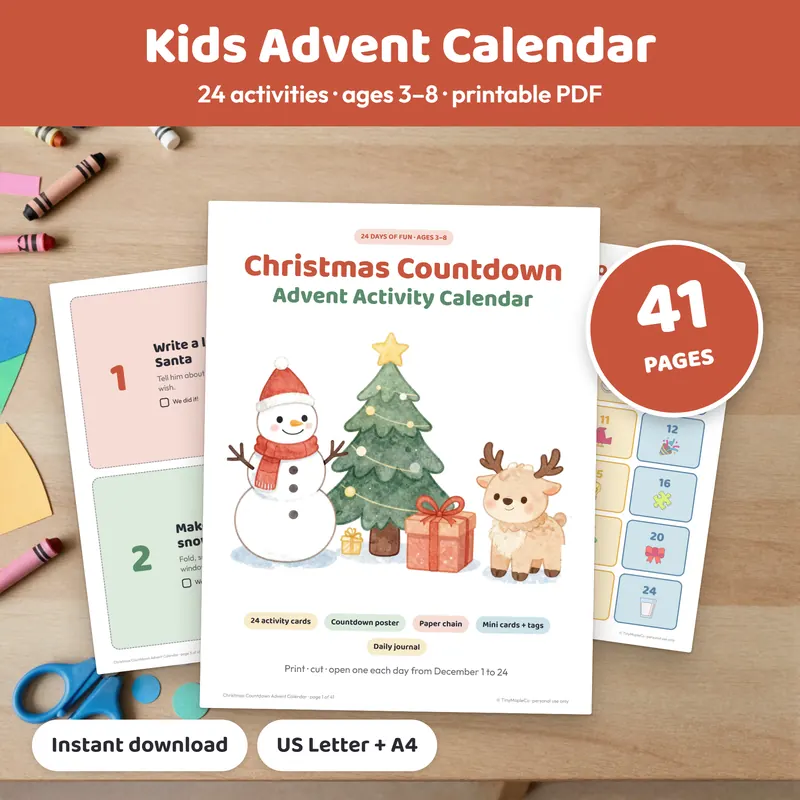
Christmas Advent Calendar Activity Cards
41 pages · 24 activity cards · ages 3–8 · US Letter + A4 PDF
- 24 big activity cards + 24 mini cards to hide in envelopes, bags or boxes
- 6 blank “make your own” cards and number tags 1–24
- Countdown poster, tree tracker, paper chain strips and a 4-page December journal
Instant download on Etsy · print at home
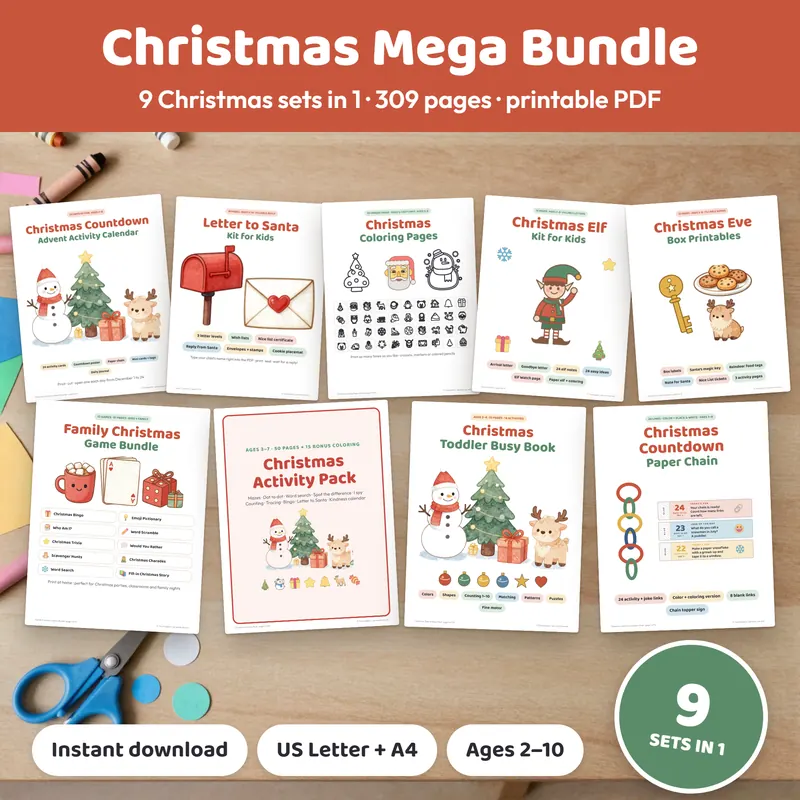
Christmas Mega Bundle (9 Sets in 1)
9 Christmas sets · 309 pages per paper size · ages 2–10
- Activity Pack, Advent Activity Cards, Letter to Santa Kit, 50 Coloring Pages, Elf Kit
- Games Bundle, Toddler Busy Book, Christmas Eve Box, Countdown Paper Chain
- A “START HERE” guide; US Letter and A4 versions
Instant download on Etsy · print at home
Frequently asked questions
Should I print US Letter or A4?
Print the size that matches the paper in your printer. US Letter is 8.5 x 11 inches and is common in the US and Canada. A4 is 210 x 297 mm and is common elsewhere.
What does Actual size mean in a print dialog?
It prints the page at 100% of its designed size, with no shrinking or stretching. Use it for cards, game pieces and anything that needs to fit a template.
Why is my printout cut off at the edges?
Usually the page size does not match the paper, or the scale is set to fill the page. Switch to Actual size and print the file that matches your paper.